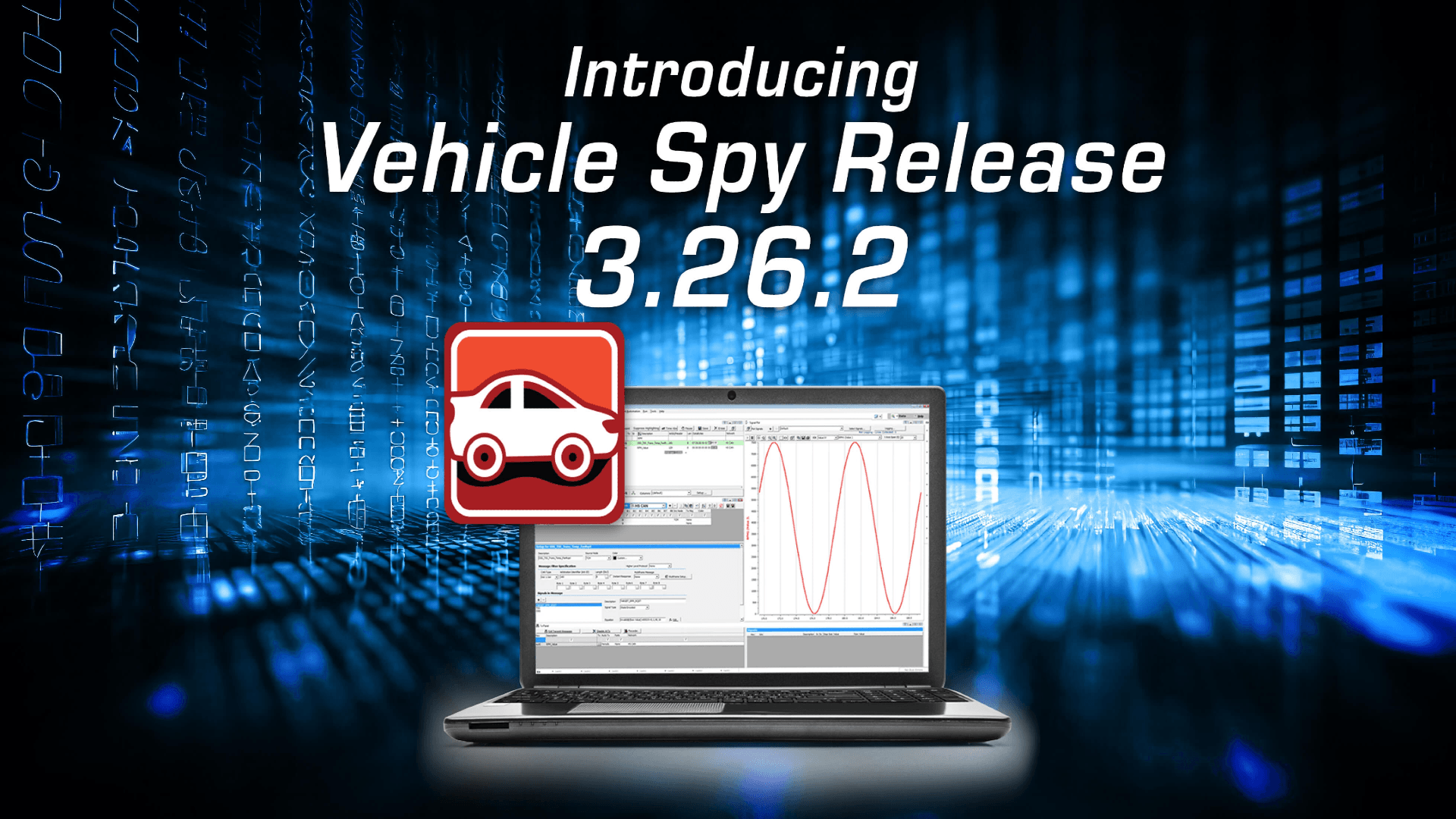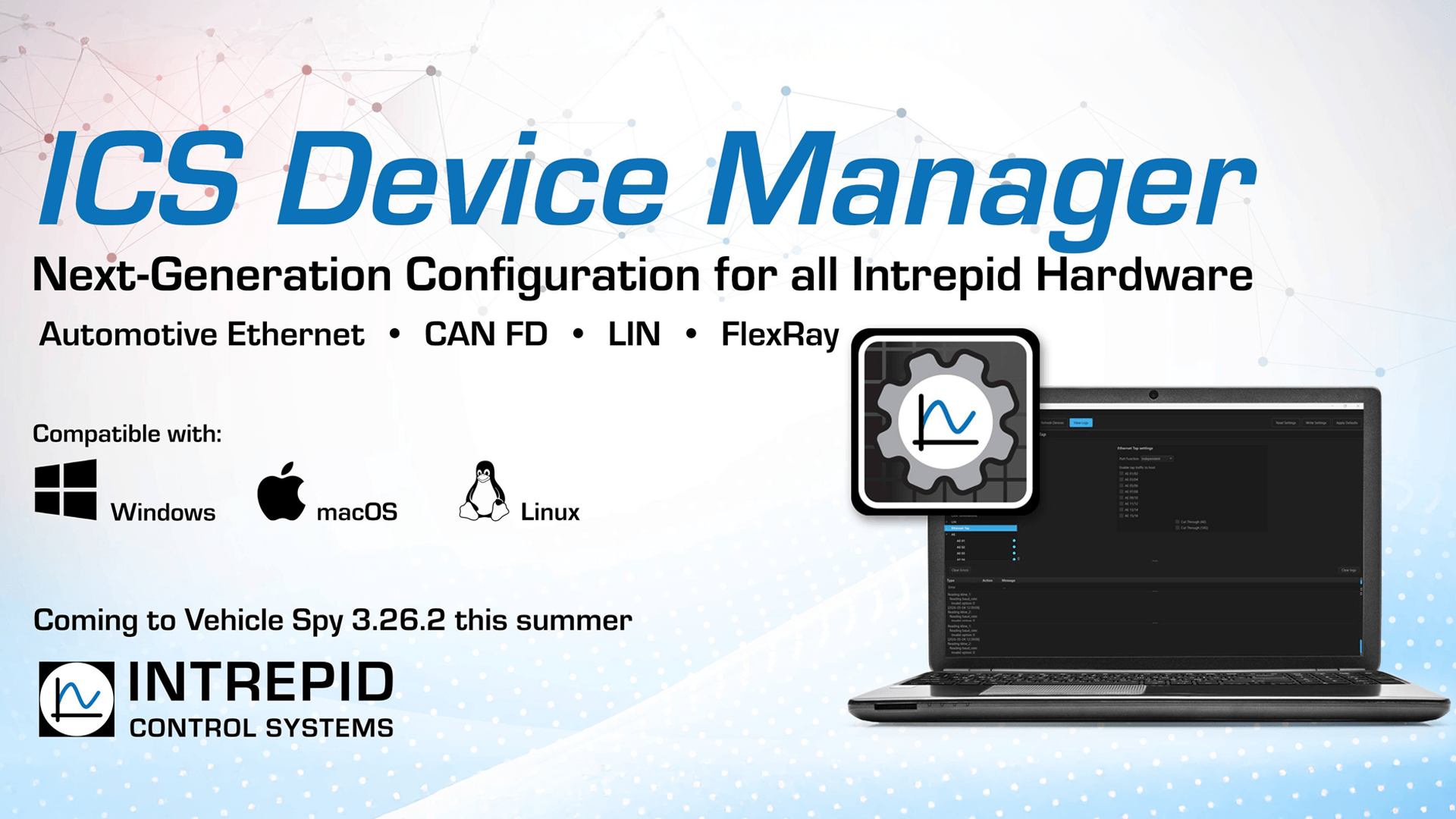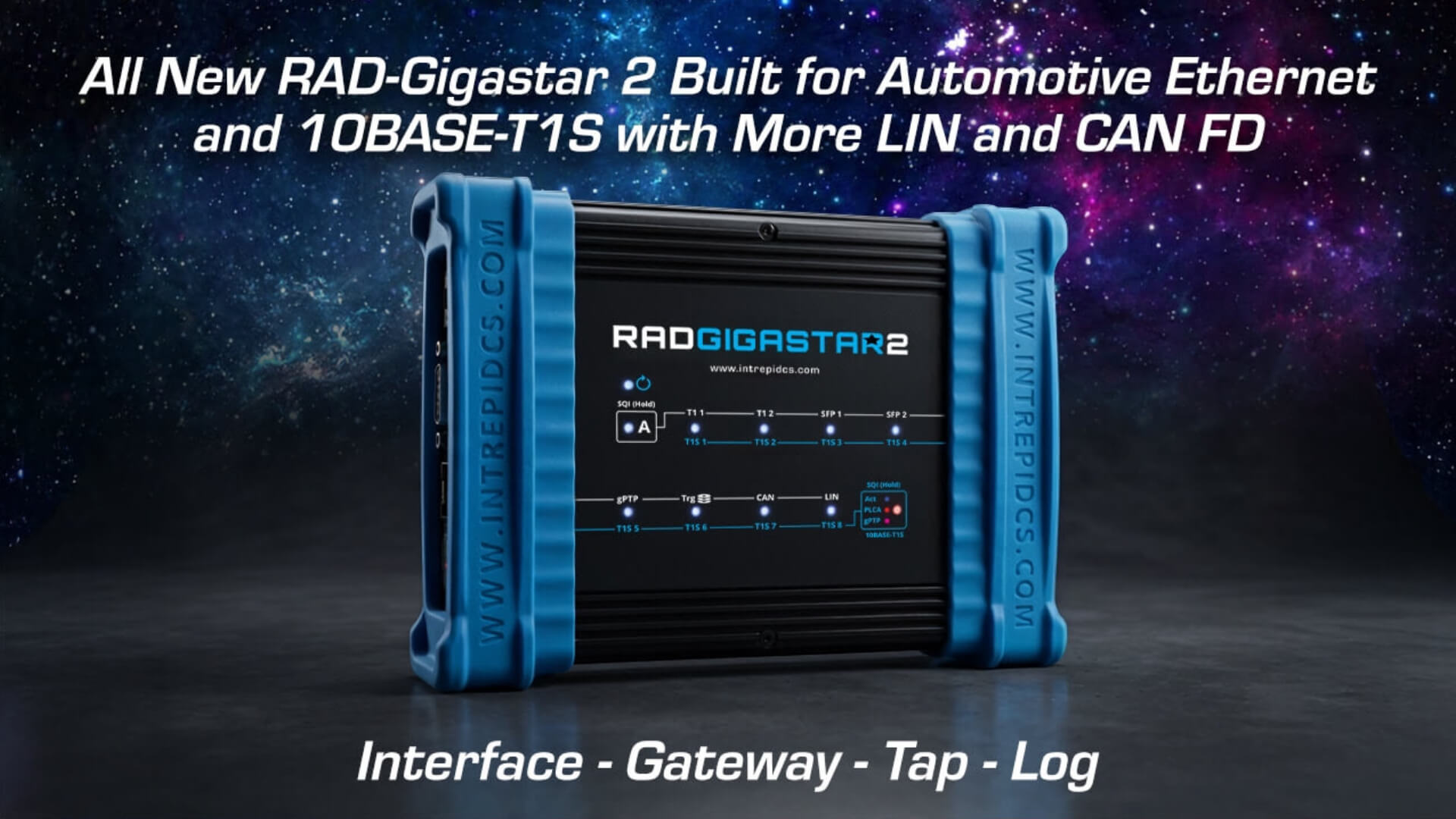

At Intrepid Control Systems, we are always looking for ways to streamline your workflow and make data analysis more intuitive. That’s why we are thrilled to introduce a highly requested feature in Vehicle Spy version 3923 (released February 2026): Live Data Streaming with DataSpy.
Historically, DataSpy has been your go-to tool for post-processing. Now, we’ve built a seamless interface between Vehicle Spy and DataSpy, allowing you to view and analyze signal data in real time while you are online with Vehicle Spy.
Here is a look at what this new feature can do and how it can speed up your vehicle network analysis.
View Signal Data in Real Time
Getting started is incredibly simple. While running a simulation or monitoring live traffic in Vehicle Spy’s Messages view, simply expand a message, right-click on a signal (like Engine Speed), and select Plot Signal in DataSpy.
DataSpy launches as a separate application, but the two programs are linked. The signal instantly appears in DataSpy’s channel list and begins scrolling across your plot window. You can easily add more signals and Vehicle Spy will track all of them in a dedicated signal group.
Pause, Scroll, and Analyze on the Fly
Sometimes you need to take a closer look at a sudden spike or anomaly without stopping your entire test.
Just like the pause button in Vehicle Spy’s Message view, you can pause playback directly in DataSpy. By zooming in on the Y-axis or scrolling back in time, DataSpy automatically pauses the visual playback so you can analyze the legend and the plotted data.
The best part? You don’t lose any data. Vehicle Spy’s logger continues to monitor and buffer network traffic in the background. When you hit “resume” in DataSpy, it instantly plots all the buffered data that accumulated while you were paused.
Seamlessly Transition to Post-Processing
One of our main goals with this update was to allow users to fluidly move between real-time processing and post-processing.
When you decide to go offline in Vehicle Spy, clicking the DataSpy button will automatically generate an MF4 file containing all the data currently sitting in Vehicle Spy’s review buffer. It immediately sends that MF4 file over to DataSpy, populating your channels list with every signal set up for decoding in your platform.
Let Us Know What You Think!
Because this is a brand-new feature, we are actively taking requests and looking for your feedback. We want to know how you are using it and what capabilities you’d like to see added next.
Reach out to us at intrepidcs.com/sales to get a latest release of VSpy.